


By MoMo
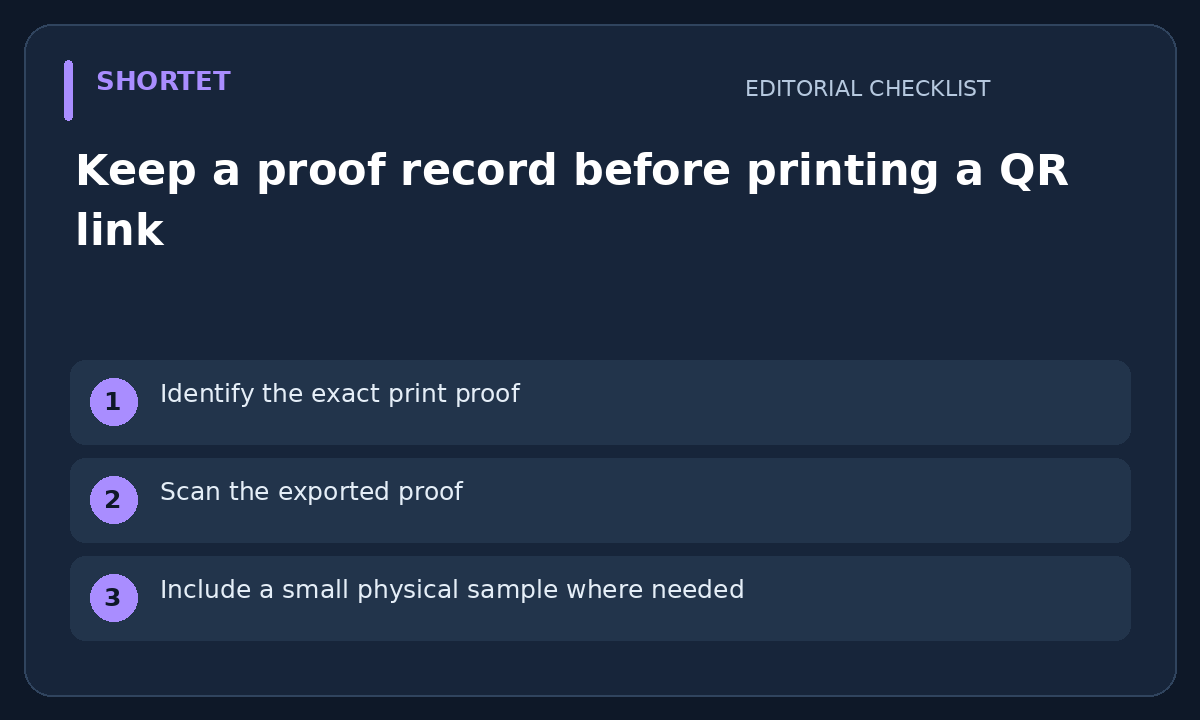
Identify the exact print proof
A QR review should refer to the actual poster, label or document that will be printed. Record the proof filename and version beside the intended destination. Reviewing an earlier draft does not establish that a later export still contains the same QR image or clickable link.
Scan the exported proof
Use a harmless test destination while designing, then check the authorized final proof with the destination it will actually use. Inspect the opened address and page, not only a scanner's confirmation. A successful scan can still open the wrong campaign, language or sign-in page.
Include a small physical sample where needed
If you control the print process, review a sample at the intended size and material before committing to a large run. Record the device and conditions used. One successful scan is useful evidence for that sample, not a guarantee for every camera, distance, lighting condition or damaged copy.
Name a destination owner
Write who owns the landing page and who may approve a later destination change. Keep any offer expiry or replacement plan beside that record. Do not assume a short-link service or QR generator supports editing a destination after printing; verify the actual feature and permission before relying on it.
Keep the record usable after launch
A compact record contains the final proof, exact link, observed landing page, review date and responsible person. It lets the next reviewer compare a live scan with what was approved. This is a print-review method, not a guarantee of scan success or a claim that Shortet provides dynamic QR controls on every plan.
Your next step
Keep the exact print version, scanned destination and reviewer together before approving the next QR print run.
Related guide: Check the clickable short link in an exported PDF
 Product Hunt
 LaunchBuff
 1000tools
 DevHub
 JunkStartups
 MediaProNet