
Work management starts with a clear record: what needs doing, who owns it, when it is due and what counts as finished. Use forms to collect requests and one shared work system to track them. The Shortet work and team management collection brings together tools for parts of that workflow, but its entries are not all interchangeable project managers.
Affiliate disclosure: Some links may earn Shortet a commission. This is a workflow guide, not a hands-on software comparison. Example destinations were opened on 16 October 2026; current plans, privacy terms and feature limits should be checked directly.
Design the smallest useful workflow
Take one repeated request, such as a design brief or support handoff. Give it a single intake route, an owner and a visible status. A short process that people use is more useful than a large board nobody updates.
- Intake: capture the details needed to start, not every field you might someday want.
- Ownership: assign one person to move the item forward. Watchers and collaborators are not automatically owners.
- Completion: define the output and where the final version belongs.
- Exceptions: decide where blocked items go and who gets notified.
Collect requests with Tally or Fillout
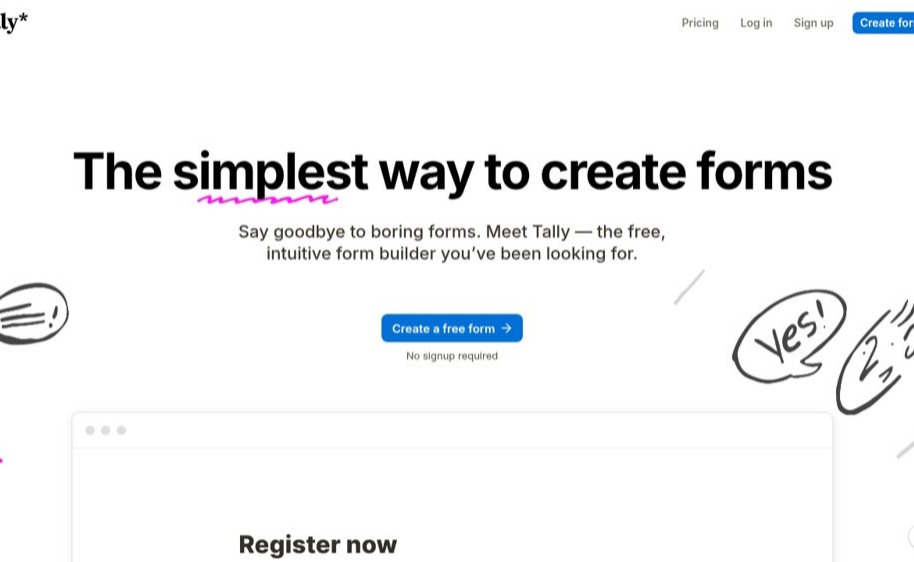
Tally describes a document-style form builder. Fillout describes forms and related workflows, including scheduling and other connected tasks. Compare them using the request you actually need to collect rather than the length of their feature lists.
Build a sample form with a title, contact field, brief and deadline. Submit it yourself from a phone. Check required fields, confirmation text, notification delivery and where responses are stored. Test an incomplete response and a duplicate. If people will upload files, check access controls, storage limits and retention before collecting sensitive material.
Do not ask for passwords, payment card details or unnecessary personal data in an ordinary intake form. The fact that a form supports a field does not make collecting that information appropriate.
Check what an Airtable invitation does
The collection's Airtable link opens a sign-up invitation, not a neutral product overview. It asks the visitor to create an account. Review the invitation context and terms before continuing, and do not assume the invitation gives access to a particular team's existing work.
For any shared record system, decide which fields are public to the team, which are restricted and who can change them. Test the permission level of a regular collaborator rather than judging everything from an administrator account. Keep an export of important records and confirm how attachments are included.
Organize ongoing work with Infinity
Infinity presents a customizable work management platform with different views of projects, data and workflows. It is a candidate to investigate when a simple list no longer gives the team enough structure.
Start with a small board or table: request, owner, status, due date and final output. Add a field only when someone has a decision that uses it. Check recurring work, filters, notifications and export on the plan you are considering. Customization is useful only when it makes the next action clearer.
A week-long pilot before a team-wide change
- Choose one real workflow and a small group of people who use it.
- Write a one-page explanation with examples of open, blocked and finished work.
- Move a small set of current items. Keep the old system available during the pilot.
- Inspect notification volume and permissions. Fix noisy or over-broad sharing before expanding.
- Review what was missed: unclear owners, duplicate records, missing files or work done outside the system.
- Keep the tool only if the pilot makes work easier to find and finish.
The wider collection includes different categories
The full page also has entries outside basic request and project tracking. Do not treat a listing in "work management" as proof that it is payroll software, a privacy service, a file host or a suitable place to store customer data. Open the destination and check the exact product and account context before using it.
Frequently asked questions
Do I need a project manager and a form builder?
Only if they solve separate parts of your workflow. A form collects structured input; the work system tracks what happens next. Check whether one existing tool already handles both well enough.
Should every task trigger an automation?
No. Stabilize the manual process first. Automating unclear ownership or incomplete input repeats the problem faster.
Are free plans enough for a team?
That depends on current limits, seats, permissions and usage. Test the required workflow and check plan terms before promising it to the whole team.
Continue from the task
Browse the full work management collection, then use the automation collection for repeated steps. For publishing to an audience, use the email marketing tools guide. The Shortet resource guide connects every collection.