


By MoMo
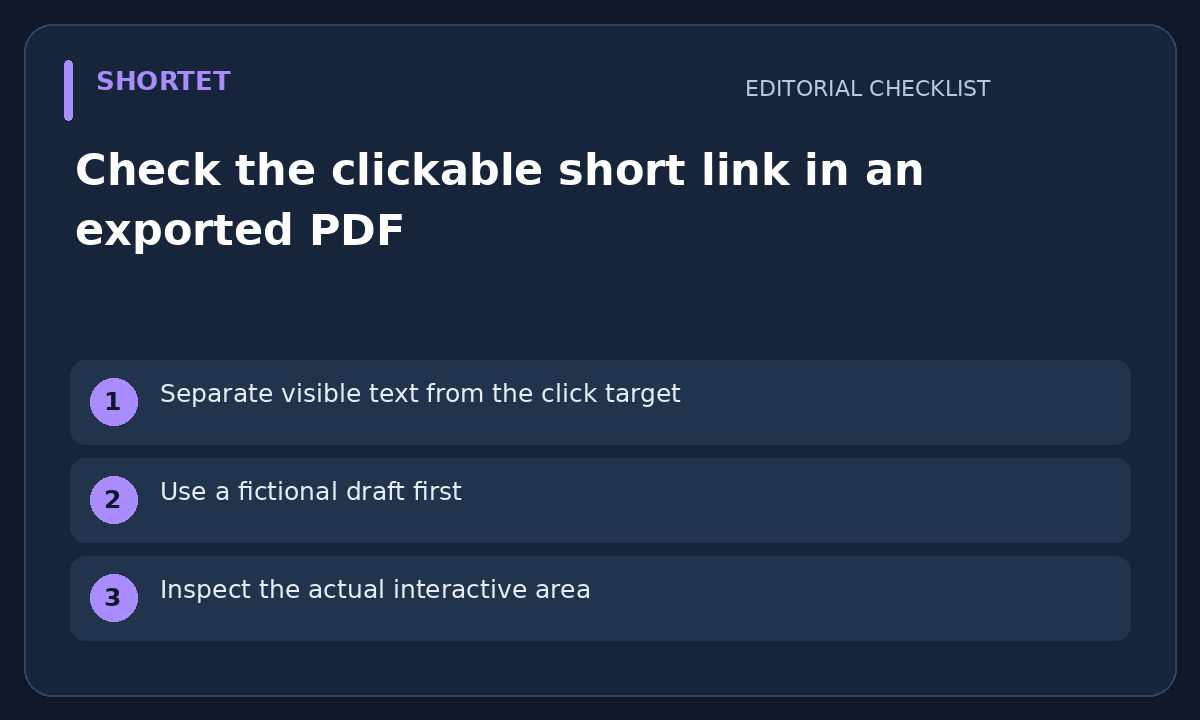
Separate visible text from the click target
A PDF may show a friendly short link while the clickable area points elsewhere or does not exist. Review the exported PDF itself, not only the source document. This checklist is about the file you share; it does not assume a PDF editor or link feature is included in a Shortet plan.
Use a fictional draft first
Before distributing the real document, make a harmless sample containing the visible short link and an ordinary text label. Do not put a private preview URL, access token or customer record into the sample. Record which exported filename and version you are reviewing.
Inspect the actual interactive area
Open the export in the reader your audience is expected to use. Inspect the link destination using the reader's supported link controls before opening it. Check that the clickable area covers the intended label rather than a nearby heading or the whole page. A successful export message does not prove this.
Keep a useful non-click fallback
If the document may be printed or viewed in a reader with links disabled, include a readable address that the intended audience can enter. Compare its spelling with the actual short link. A QR code can be another route, but it is not a replacement for checking the text and the exported click target.
Approve the exact file you send
Record the final filename, review time and verified destination. Recheck after replacing the PDF or editing the link in the source document. Keep click-target acceptance separate from whether the destination will stay available in future; a working file today cannot guarantee that.
Your next step
Open the exported PDF as a reader and click the actual short link, then record the destination you reached.
Related guide: Keep a proof record before printing a QR link
 Product Hunt
 LaunchBuff
 1000tools
 DevHub
 JunkStartups
 MediaProNet